How To Soft Reset ROG Phone 3
When you soft reset your ROG Phone 3 it will shut down all processes on the device then start it again….
When you soft reset your ROG Phone 3 it will shut down all processes on the device then start it again….
You can change the DNS in your ROG Phone 3 from the advanced option of its Wi-Fi settings. You just need…
One way that you can save battery life is to stop your ROG phone 3 from searching for a a 5G…
You can change the font style of your ROG Phone 3 from the display setting section of your phone. There are…
You can easily enable the pattern lock of your ROG Phone 3 from its device security section settings. This will allow…
You can change your ROG Phone 3 app permissions to allow or deny it access to certain features of your phone….
It is important to update your ROG Phone 3 firmware as this will come with several improvements to make the device…
You can turn on Google Play Protect in your ROG Phone 3 to help keep your device safe and secure from…
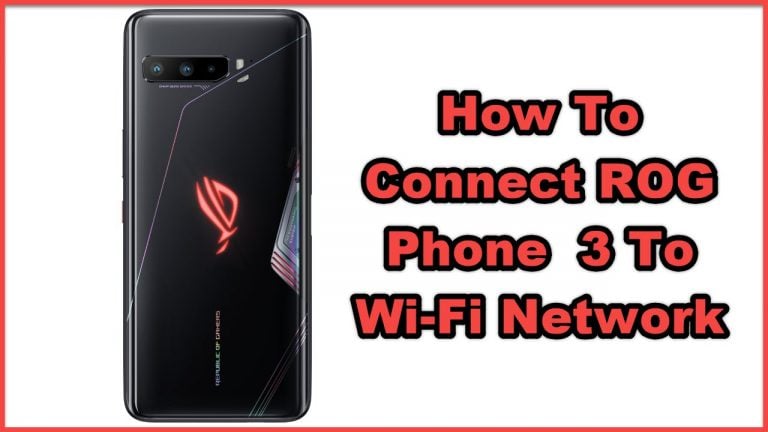
In order to connect your ROG Phone 3 to a Wi-Fi network you will first need to turn on the Wi-Fi…
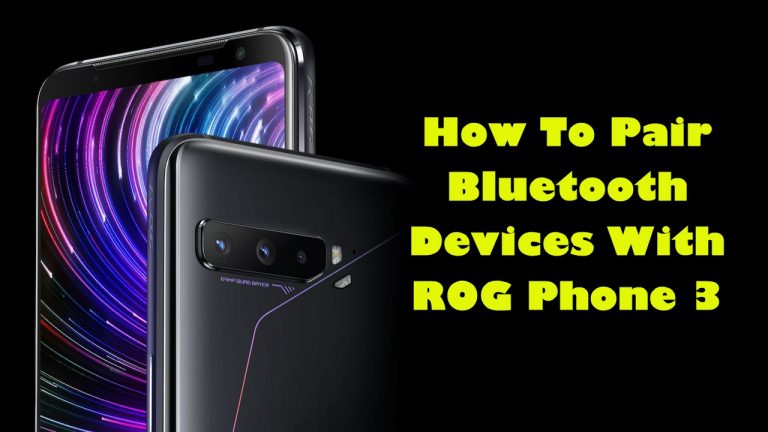
You can easily pair Bluetooth devices with ROG Phone 3 to allow you to enjoy wireless connectivity with your earphones, speakers,…
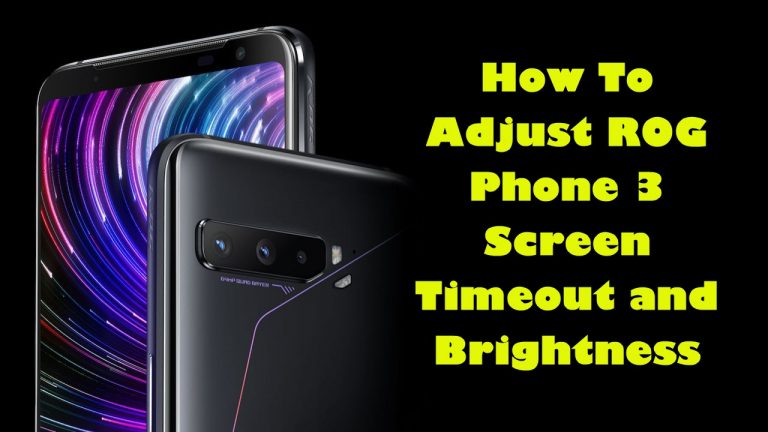
You can adjust the ROG Phone 3 screen timeout so that the display will turn off at your preferred time interval….
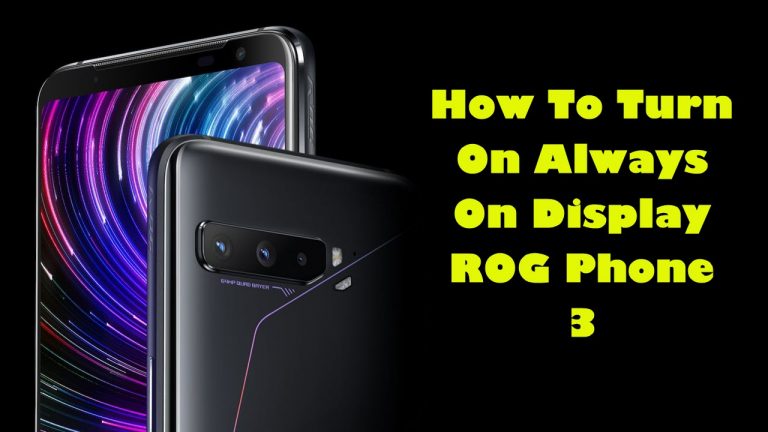
The Always On Display of ROG Phone 3 allows your device to display the date and time even in sleep mode….
The scheduled charging in ROG Phone 3 is a feature that dynamically charges the device so that it reduces the time…
You can share the internet connection of your ROG Phone 3 by turning on its Wi-Fi hotspot feature. This allows your…
The floating window in your ROG Phone 3 allows certain apps to open while you are playing a game. You can…
Using slow charge on your ROG Phone 3 means that the battery will charge at a much longer period of time….

To ensure a stable online connection during your gaming sessions you can use Wi-Fi and mobile data simultaneously in your ROG…
The bypass charging feature in ROG Phone 3 allows the device to be powered directly by the connected charger instead of…
You can change the fingerprint unlock animations of ROG Phone 3 from the fingerprint & unlock screen settings. You can choose…

You can change the audio style of ROG Phone 3 using the AudioWizard feature. This is an audio enhancing software that’s…
End of content
End of content