SuperBox Error Code -11 -203 -203: What It Means and How To Fix It
Seeing -11 -203 -203 on your SuperBox? It’s a streaming source error, not a broken box. Here’s exactly what it means and how to fix it, step by step.

Seeing -11 -203 -203 on your SuperBox? It’s a streaming source error, not a broken box. Here’s exactly what it means and how to fix it, step by step.

SuperBox showing No Signal after standby though the box is powered? Swap to a non-ARC HDMI port and power-cycle both devices to clear the stuck HDCP handshake, plus cable and resolution fixes.

SuperBox S4 Pro showing a perfect picture but no sound? It’s almost always an audio-output format mismatch. Switch to PCM/Auto in the Sound menu to restore audio in under 2 minutes, plus isolation tests for a true hardware fault.

SuperBox S5 Pro or S5 Max stuck on Refresh Access Point List or Authenticating? Isolate router vs. box, fix the saved-password loop, and learn when a dead Wi-Fi module means a replacement.

The SuperBox “0-99 search gdns exception” and “0-99 domain null” errors are DNS failures in Blue VOD search. Power-cycle the box and change DNS to 8.8.8.8 / 8.8.4.4 to fix most cases in minutes.

Live channels stuck on the SuperBox “please reconnect / switch channels” loop after a firmware update while VOD still works? Here is why it happens and how to fix it in 2026.

If SuperBox audio is out of sync on one channel but the rest are fine, it’s a server-side feed issue to report, not a device fix. Learn the one test that decides whether to report the channel or fix the box.

If your SuperBox RC200 remote won’t show up in the Bluetooth list on the S5, S5 Max, or S6, the fix is a quick button combo. Here’s how to re-pair it in under two minutes.

SuperBox freezing at 98% with a ‘0-14 Token UnknownHostException’ error is a DNS host-lookup failure. A power-cycle usually clears it; if not, switch DNS to 8.8.8.8 and test for ISP blocking.

A red -17 in the corner of SuperBox Blue VOD almost always means the device clock is wrong, often right after a factory reset. Here is the exact date and time fix plus a step-by-step order for everything else.

SuperBox’s “Devices Forbidden” / “Device Prohibit” error is a server-side lock caused by seller policy violations, not anything you did. Factory resets won’t clear it. The real fix is to send your MAC ID to the seller and request reactivation (24-72 hours).

You press the remote, the screen stays black, and your SuperBox shows only a solid red light, a frozen logo, or…

It’s game time, you tuned to the MLB channel on Blue TV, and you get a black screen, a frozen feed,…

Your SuperBox Blue TV channels stopped loading, the picture sits black or frozen, and you see 0kBps in the corner — often with…
If your SuperBox turns on but boots into a blue screen at loading or suddenly shows no menu at all, do…
If you’re choosing between the SuperBox S6 and the new SuperBox S7, the decision comes down to what kind of experience…
The SuperBox hardware is legal to own. Using it to stream copyrighted movies, live TV, and sports without paying for proper…
If your SuperBox S6 opens the Blue TV app but the channel list is empty, showing a blank grid, or simply…
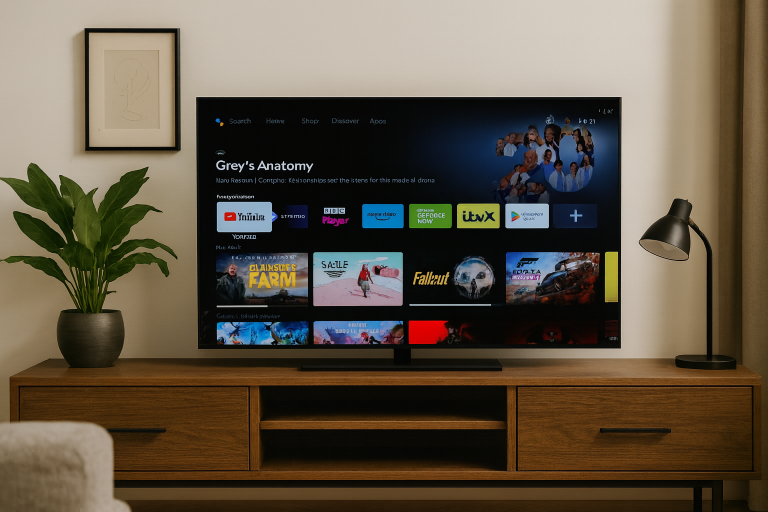
Android TV in 2026 has matured into one of the most versatile home entertainment ecosystems. Out of the box, the platform…
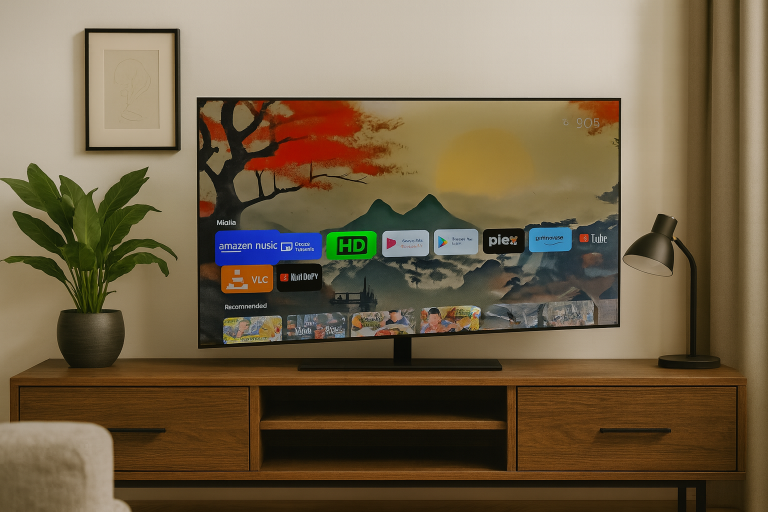
Android TV boxes are fantastic for bringing streaming apps and local media together, but one of the biggest frustrations many users…
End of content
End of content