How to Switch Versions of Yahoo Mail When the Option to Go Back is Missing or Hidden
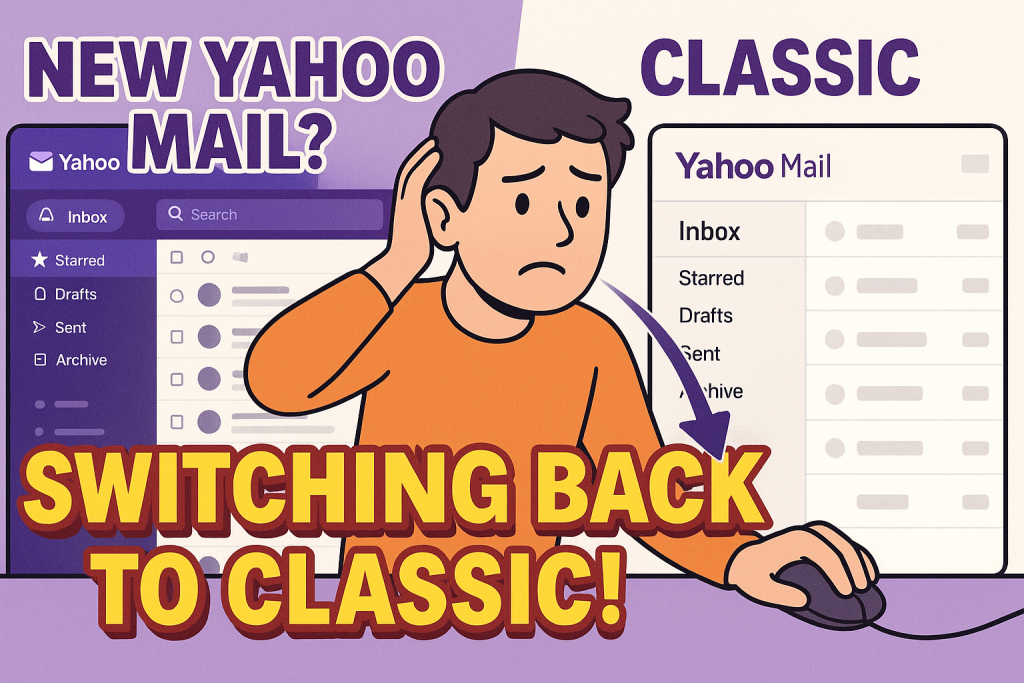
If you’ve suddenly found yourself in the new Yahoo Mail interface and can’t stand the condensed, phone-like layout, you’re not alone. Many long-time users have expressed frustration over the updated interface that reduces usability, especially on desktop screens. The worst part? For many users, the option to revert to the old layout is now gone.
Here’s everything you need to know about what’s still possible and a workaround that might help.
First, What Are the Options?
Yahoo Mail currently has three interface modes:
- New Yahoo Mail: The modern interface with upgraded features, search filters, and minimal customization.
- Classic Yahoo Mail: Previously offered as the default look; many users preferred its wide, clean layout. This option is being phased out.
- Basic Mail: A stripped-down HTML version meant for slow connections or low-end systems. It’s simple and closer to the classic experience but lacks features.
What to Try First
If you’re lucky, the option to switch may still be there:
- Look for “Switch to Basic Mail”:
- Sign in to Yahoo Mail.
- On the lower-left of the screen, find the three-dot icon below your folders.
- Click Settings.
- Scroll down and look for Switch to Basic Mail.
- Click it and confirm the switch.
- Still no option? Try this workaround:
Even if the UI doesn’t show you the toggle, some users have been able to force access to the older layout through this direct settings link:https://mail.yahoo.com/d/settings/0- Go to this URL while logged in.
- Bookmark it.
- From the settings page, click “Return to Mail” in the upper left.
- This may revert you to a more classic or basic version of the interface.
- You’ll need to use that bookmarked link each time to re-access this view.
If You Can’t Find Any Version Toggle
If you no longer see any option to switch versions under settings, it likely means Yahoo has removed it for your account. The rollout of the New Yahoo Mail is irreversible for many users. Clearing cookies, trying incognito mode, or switching browsers may not bring the old version back.
However, a few things are still worth attempting:
- Clear Cache & Cookies:
Sometimes UI settings are cached. Clearing your browser’s cache may cause Yahoo to reload the settings page with the switch option visible again. - Try a Different Browser:
Some users found success using Firefox or Safari instead of Chrome. Also, try disabling browser extensions or using a private browsing window. - Use Basic Mail as a Substitute:
While not identical to the old layout, Basic Mail is often more functional than the new version. It lacks ads, has fewer distractions, and uses more screen space effectively. However, it’s limited in features and customization.
What You Can No Longer Do
- You can’t go back to the full-featured old Yahoo Mail if the toggle is gone. Yahoo has begun retiring this option permanently.
- Themes and color customizations are now minimal, only light, dark, and auto modes remain. Gone are the vibrant or seasonal themes from older versions.
- Folder visibility and inbox organization are limited in the new layout. You may need to manually open menus just to view folders.
Why Is Yahoo Forcing the Change?
It’s common for platforms to sunset older versions to streamline support and push users toward their newer infrastructure. Unfortunately, Yahoo hasn’t provided much flexibility or transparency during this change. The lack of an opt-out option has frustrated loyal users, especially those who’ve stuck with Yahoo Mail for 20+ years.
User Reactions
Across forums and Reddit, users have expressed:
- Disdain for the mobile-first design: “This looks like I ordered Yahoo Mail off Wish.”
- Concerns about productivity: “Everything is compressed, hard to read, and takes more clicks.”
- A desire to migrate: Many are now considering moving to Gmail or Outlook due to Yahoo’s rigidity.
Final Tips
- Bookmark this link:
https://mail.yahoo.com/d/settings/0. It’s your best bet for accessing the old or basic view temporarily. - If Yahoo is your main email, now might be a good time to export your contacts and emails and create a backup.
- Start transitioning your logins to a new email provider if the interface changes are too disruptive.
For now, switching to Basic Mail or using the settings link workaround are your only real paths back to something more familiar. But as Yahoo phases out these legacy options, brace for a future where the new layout is the only one available.
In my case, my old computer is supposedly (that is, according to yahoo) incompatible with the new mail UI, so it should (according to Yahoo) automatically trigger an instruction to load Basic Mail–so that its e-mail is, er, basically functional rather than crashing my browser all the time.
Guess what? It doesn’t.
I completely agree. Not only does it suck, it is a bad tone. If you empty spam, it lands in deleted and inbox (basically where it first landed before being marked otherwise). what a bunch of useless stuff.
Appears the Yahoo programmers got juiced up and decided to play a game of screw our users. The new email sucks!